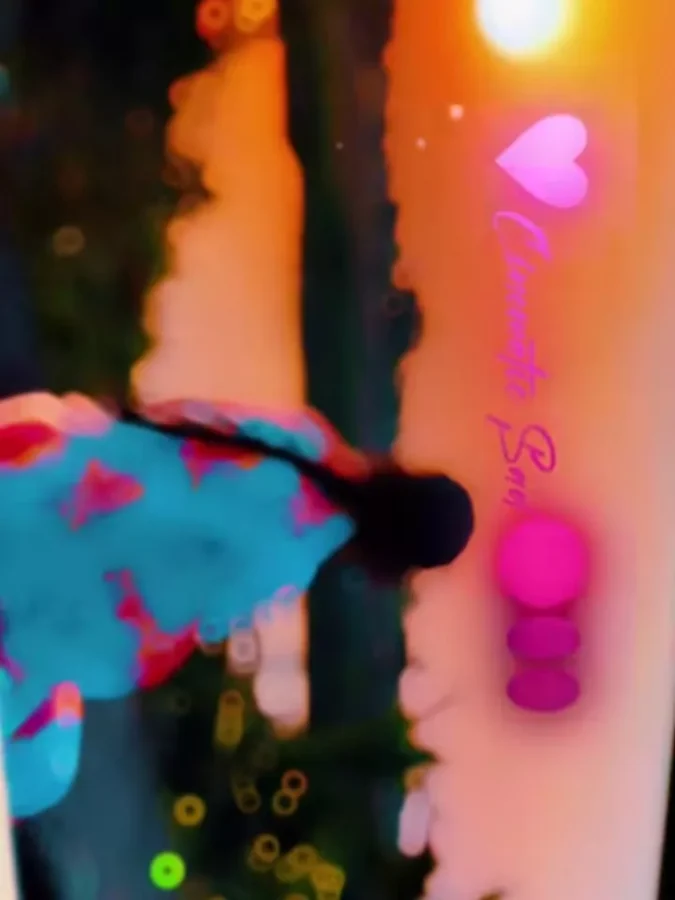
Trending Koi Aaye Na Rabba Capcut Template – Friends, a cinematic-style video editing trend is currently going very viral on social media. This editing style features a sad cinematic vibe along with landscape video formatting, making it look extremely aesthetic and professional. You must have already seen these types of edits on Instagram Reels. In this article, I am going to show you how you can create the same style of video very easily. As always, we will use a CapCut template for this editing. The biggest advantage of using a template is that all the effects and transitions are already pre-applied inside it. You simply need to add your own clips, and the template will automatically edit your video for you. So, if you also want to create this viral cinematic reel without doing complicated editing manually, then carefully follow all the steps mentioned in this article.
Details Of Trending Koi Aaye Na Rabba Capcut Template
Friends, the editing style used in this template gives the video a very emotional and cinematic look. In the preview, you will notice that the video starts with a soft blur effect for a few seconds. After that, an emotional text appears on the screen, and the video begins playing in smooth slow motion. As the edit continues, the clips transition one after another with cinematic transition effects. The template also uses a sunset-style cinematic filter, which makes the overall video look even more aesthetic and visually attractive. The slow-motion effect remains throughout the video, perfectly matching the sad vibe of the background music. If you want to create emotional cinematic reels for Instagram, then this template is a very good option for you.
How To Record Video Clip For This Editing?
Friends, if you want the best result from this template, then you should record your clips properly before editing. Always record your videos in landscape mode because this template is designed in cinematic widescreen format. Try recording your clips during sunset or evening time so that you can capture natural golden lighting. While recording, maintain a sad or emotional vibe because that will match perfectly with this cinematic edit. You can record walking shots, candid clips, or slow-motion movements from different camera angles to make the final video look more professional. After recording the clips properly, you can easily apply the template and create your cinematic reel.
How To Use Trending Koi Aaye Na Rabba Capcut Template
Friends, using this template is extremely simple. You don’t need any editing experience because the template automatically edits the video for you. Just follow the steps given below carefully.
- First, click on the “Check Template” button provided in the article.
- The template will directly open inside the CapCut application.
- After that, click on the “Use Template” option.
- Now select the required video clips from your gallery.
- Then click on “Next.”
- Wait for a few moments while the template automatically edits your video.
- Once the editing is complete, click on the “Export” option to save your video.
In this way, your cinematic-style viral reel will be ready within just a few clicks.
Conclusion
So friends, this is how you can easily create this viral cinematic video edit using the Koi Aaye Na Rabba Capcut Template. Templates have made video editing much easier now because you can create professional-looking videos without learning advanced editing skills. If you want more unique and trending CapCut templates like this, then you can explore them on our website. I hope you liked this article and understood the complete editing process properly.
