Attitude Dialogue CapCut Template – Friends, these days attitude-style reel editing is becoming extremely viral on Instagram and other social media platforms. You must have seen many videos featuring powerful dialogues combined with Bhojpuri songs and cinematic slow-motion effects. People are getting huge views by creating these stylish edits, and now you can also make the same type of viral video very easily. In this article, I am sharing a trending Attitude Dialogue CapCut Template that can automatically edit your clips in this viral style. You do not need advanced editing knowledge because the template already includes all the important effects and transitions. Just follow the steps properly, and your video will be ready in a few clicks.
Details Of Attitude Dialogue CapCut Template
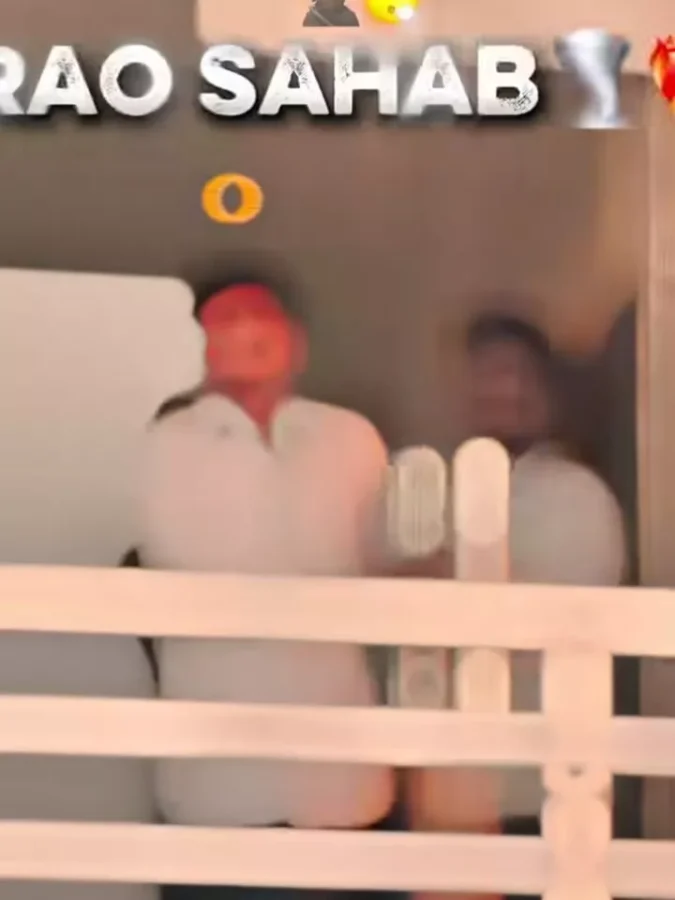
Talking about this template, the entire editing style is based on a viral attitude dialogue mixed with a Bhojpuri song. The dialogue used in this edit is inspired by the famous politician Anant Singh, whose interview clips are already very popular on social media. At the beginning of the video, a blur effect is added to create suspense and make the edit look cinematic. You will also notice stylish text appearing at the top of the screen, such as “Rao Sahab,” which you can customize according to your preference. After a few seconds, the blur effect disappears and the video continues with smooth slow-motion editing. The template also includes shake effects, flash transitions, and beat-sync editing throughout the video, giving it a strong attitude vibe. If you want to create a stylish reel with bold dialogue and cinematic effects, then this template is perfect for you.
What Type Of Clips Should You Use?
To get the best result from this template, you should use attitude-style video clips. For example, you can use walking shots, bike riding clips, car scenes, or stylish poses in front of the camera. Such clips match perfectly with the dialogue and slow-motion effects used in the template. If you do not already have suitable clips, simply record a few videos yourself in a good outdoor location. Try different poses and walking styles so your final edit looks more professional and engaging.
How To Use Attitude Dialogue CapCut Template
Using this template is very simple. First, open the CapCut app and go to the Templates section. Search for the template by name and open it. If you cannot find the exact template because of the large number of templates available inside the app, you can also use the direct template link provided in the article.
Follow these steps carefully:
- Click on the “Check Template” button.
- The template will open directly inside the CapCut application.
- Watch the preview video first.
- Tap on the “Use Template” option.
- Select and add the required number of video clips from your gallery.
- Click on “Next” and wait for a few moments.
- The template will automatically edit your video and prepare it for export.
Conclusion
So friends, this is how you can easily create a viral attitude dialogue reel using the Attitude Dialogue CapCut Template. The template automatically adds all the trending effects, making your video look stylish and professional without manual editing. If you want more Bhojpuri and attitude-style CapCut templates like this, you can explore more posts on the website. Also remember that these templates belong to the CapCut app, and they can only be used inside the application itself.
